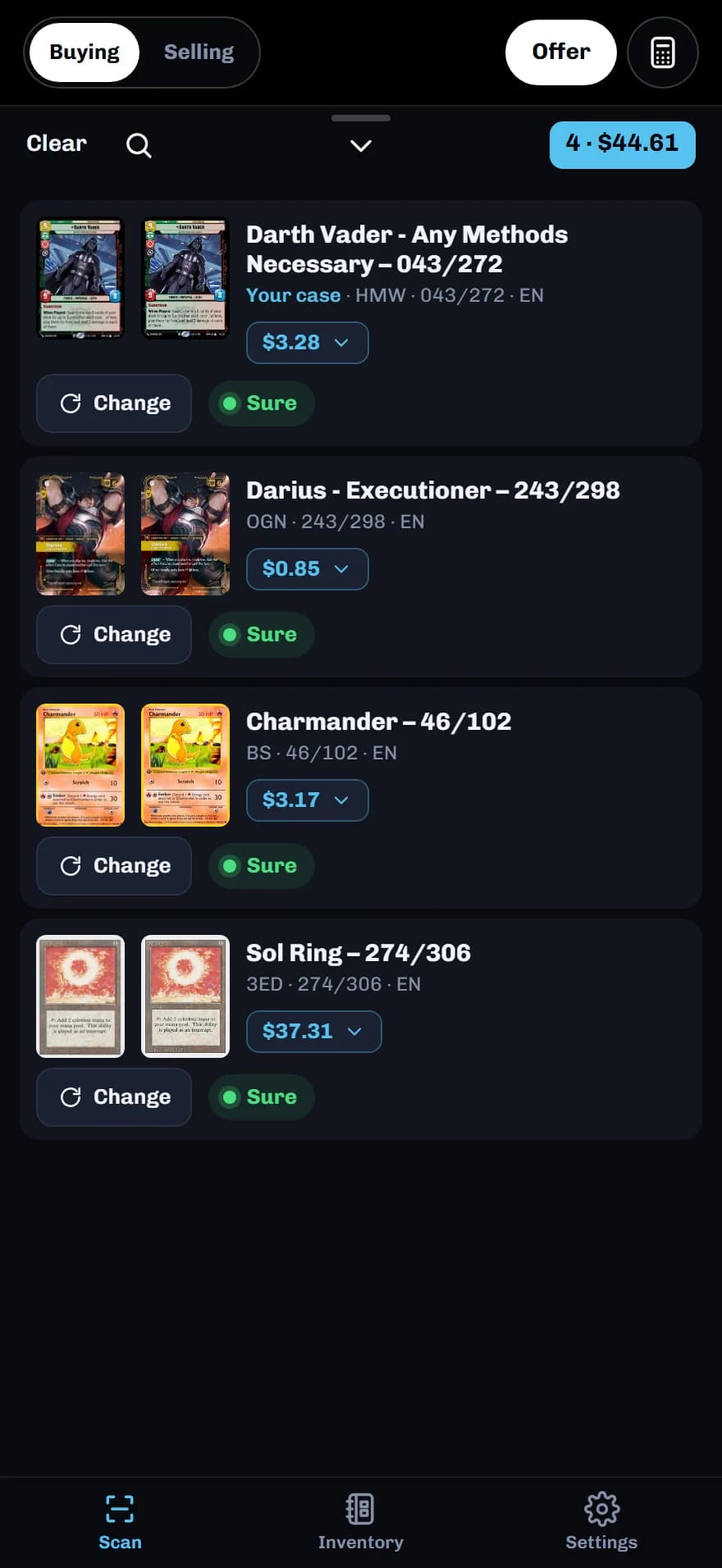
Scan first, offer second.
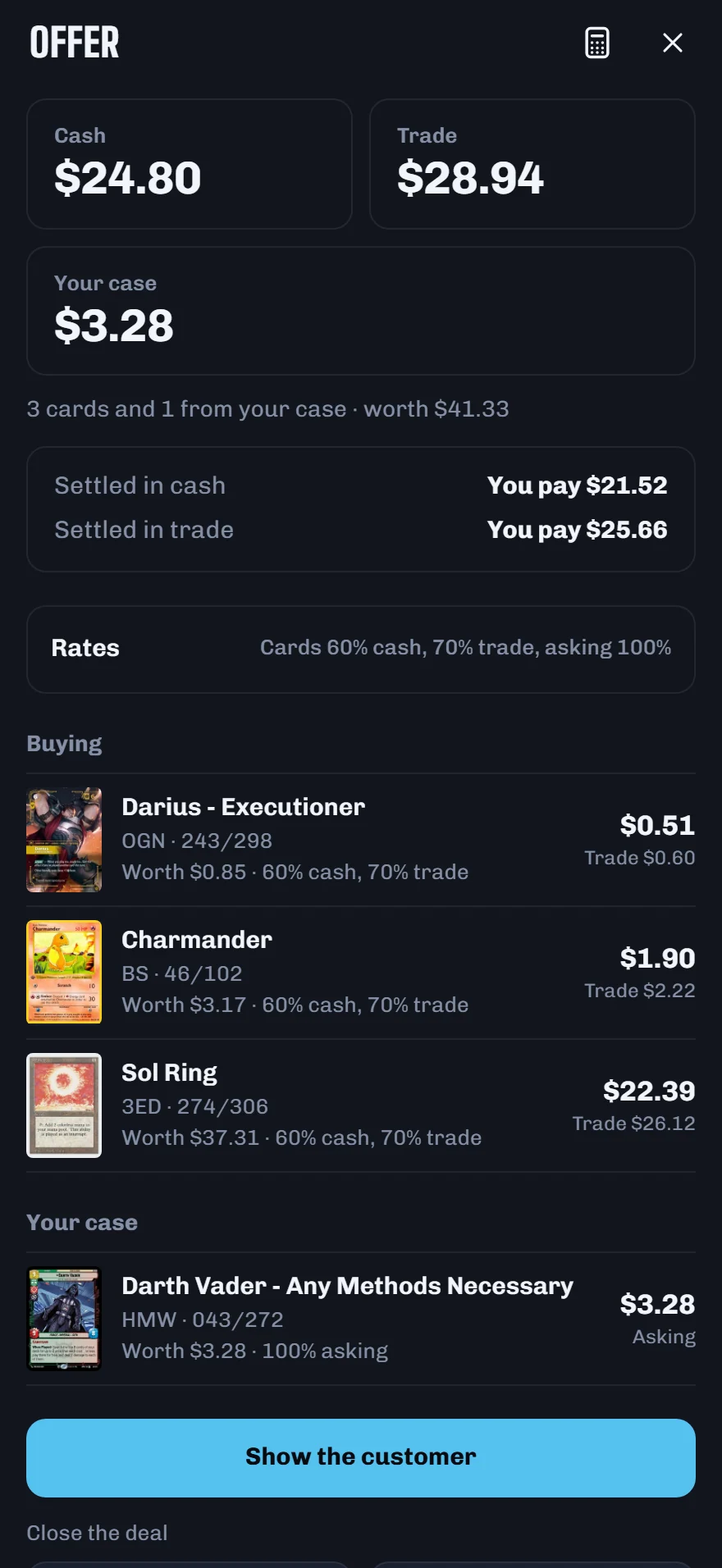
Scan what a customer hands you. StackScan makes the cash and trade offers from your own rates, prices what they pick from your case, and works out the change.
Settings, Mode, Vendor sets StackScan up for a table: a Buying and Selling switch on the camera, Offer in place of Export, and an Inventory tab for what you carry.
Scan what a customer hands you. StackScan makes the cash and trade offers from your own rates, prices what they pick from your case, and works out the change.
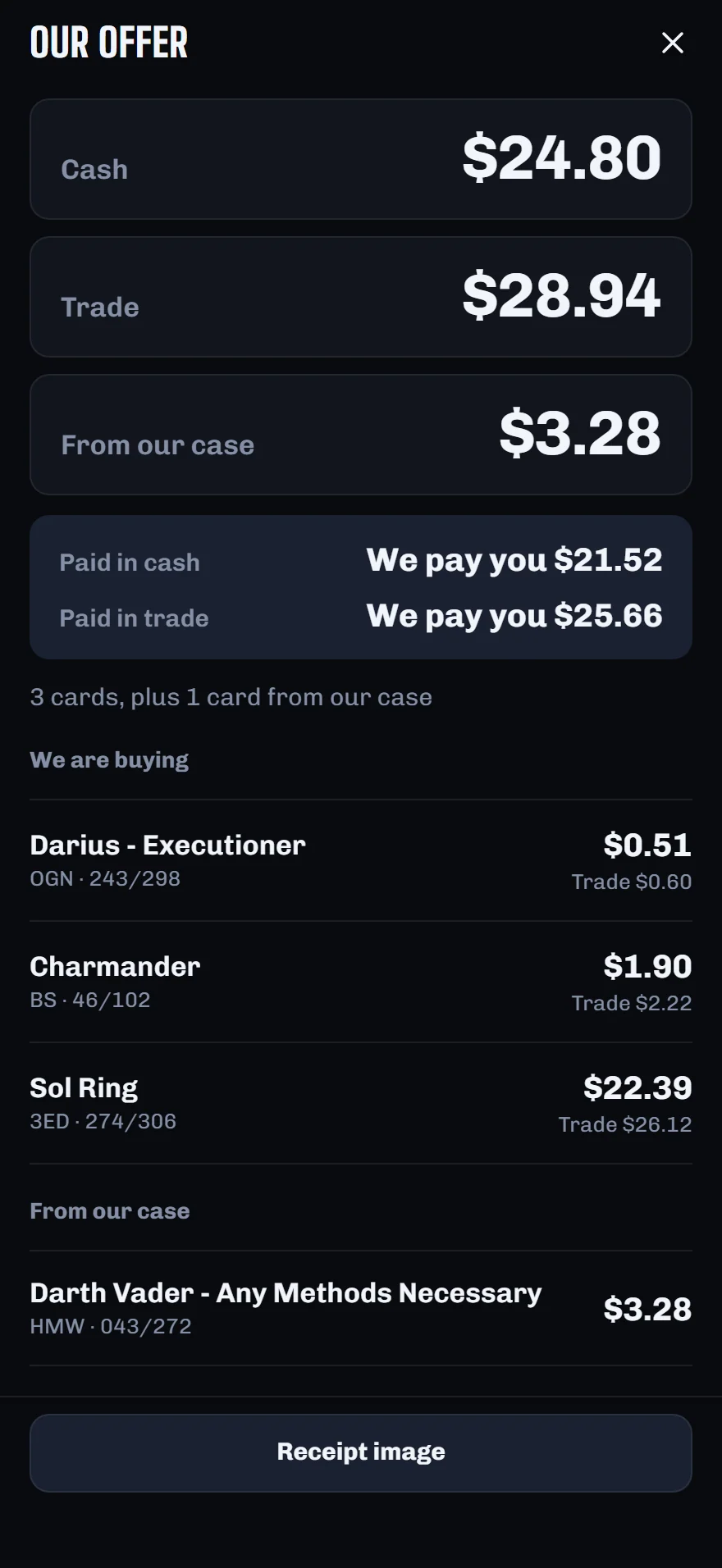
Turn the phone around and the customer reads the offer card by card. Close the deal and it goes in Today, with the day’s cash and trade.
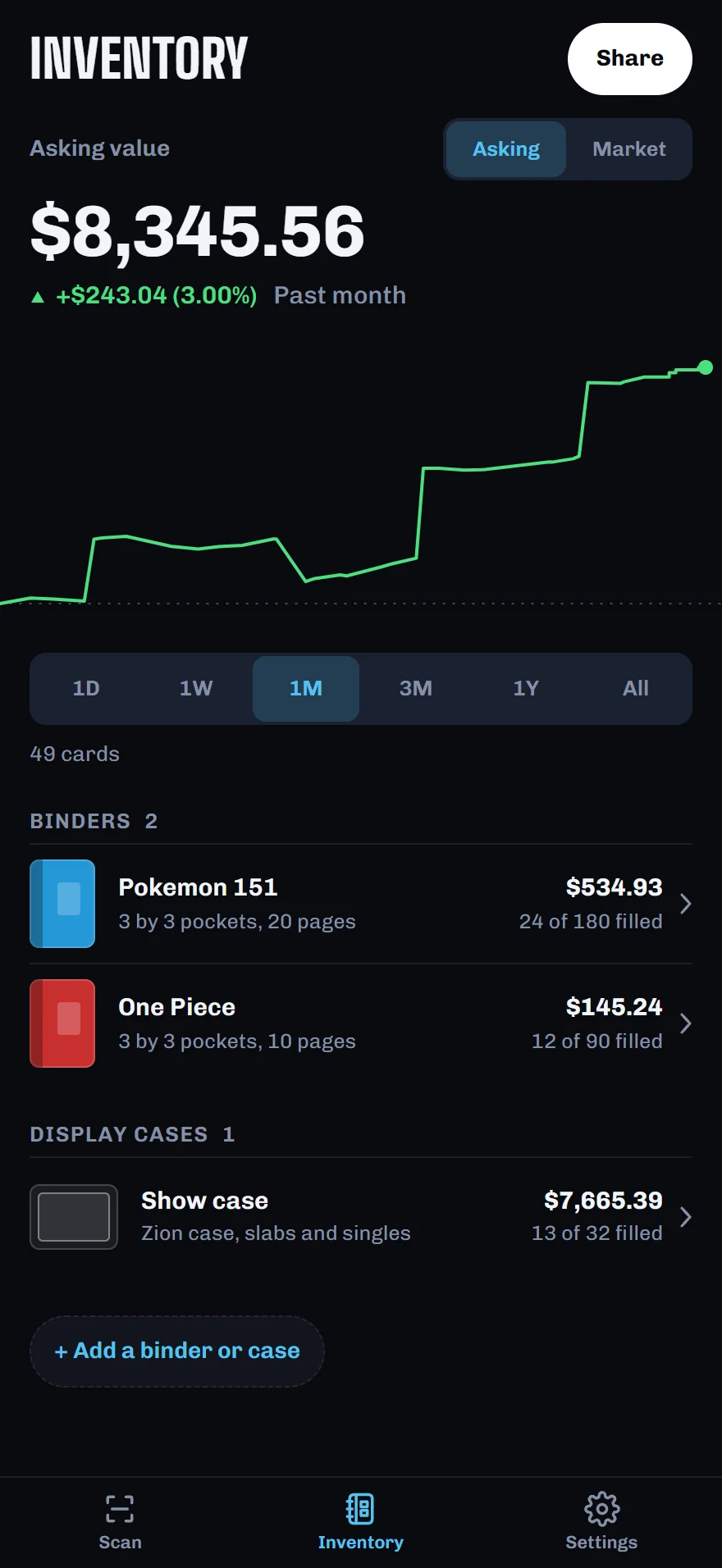
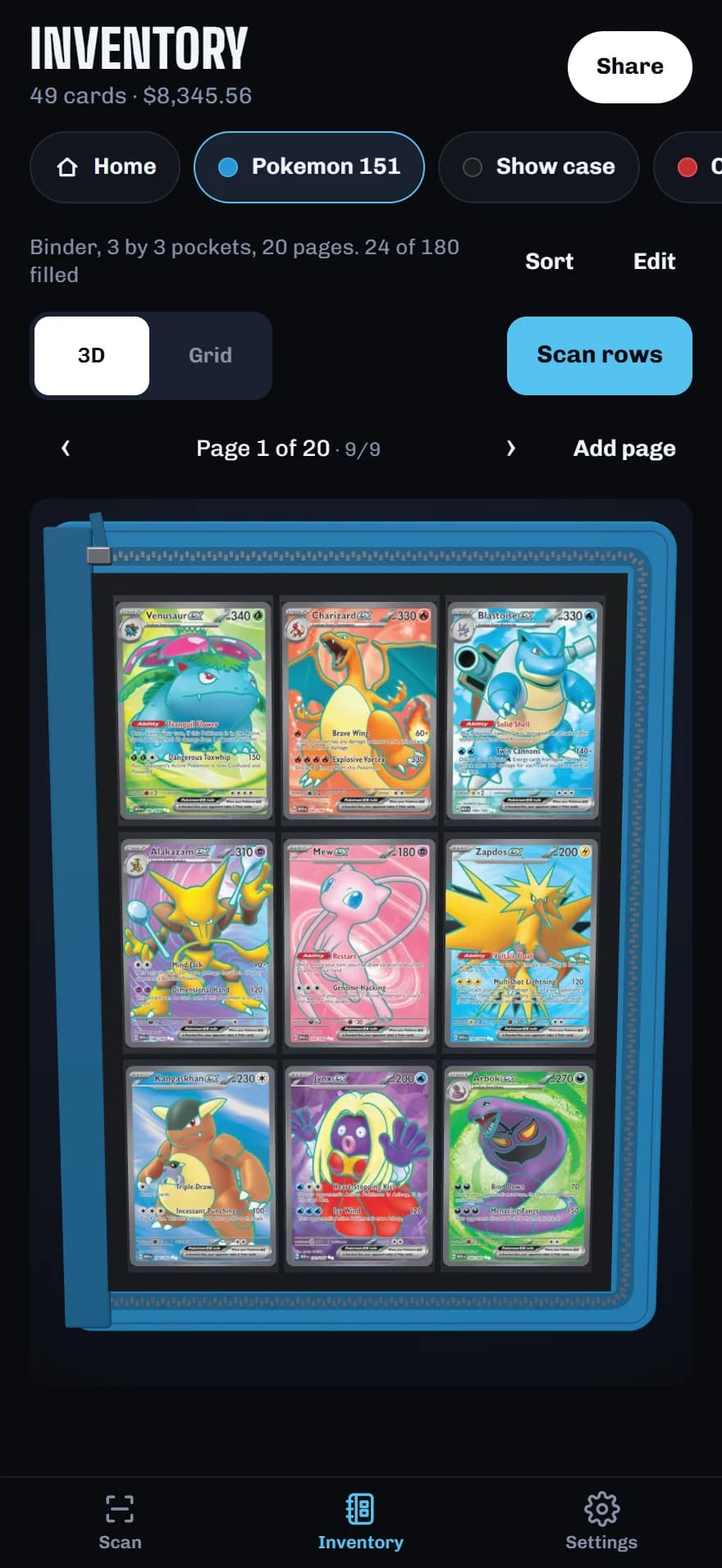
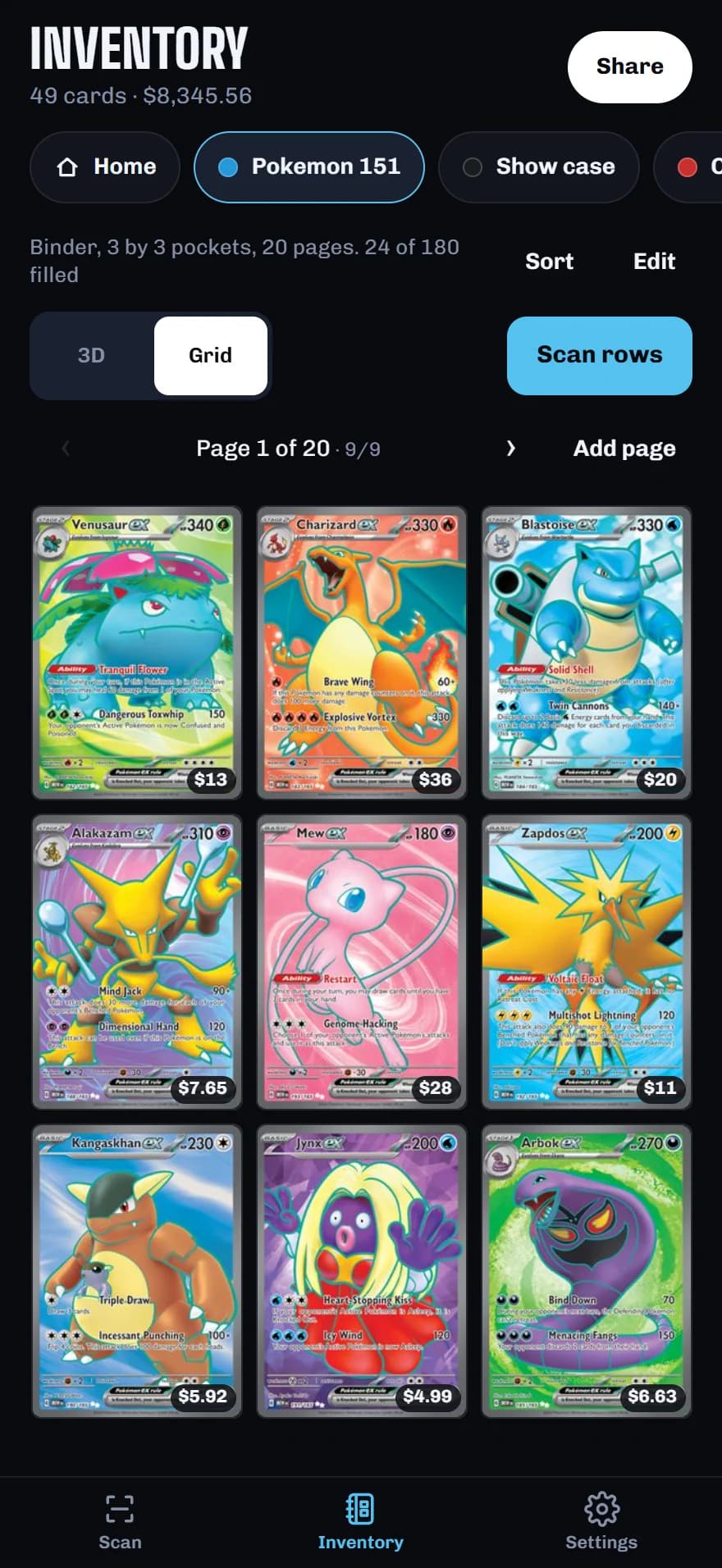
The Inventory tab keeps a copy of what you carry: each binder page by page, each display case slot by slot, scanned a row at a time, with what it is all worth over time.
One link shows your binders and cases at your asking prices. Your buying rates, the market values and your photos stay on your phone.

Coming soon to

No account. Your stack stays on your phone until you send it.
Scan the stack. List it on TCGplayer.