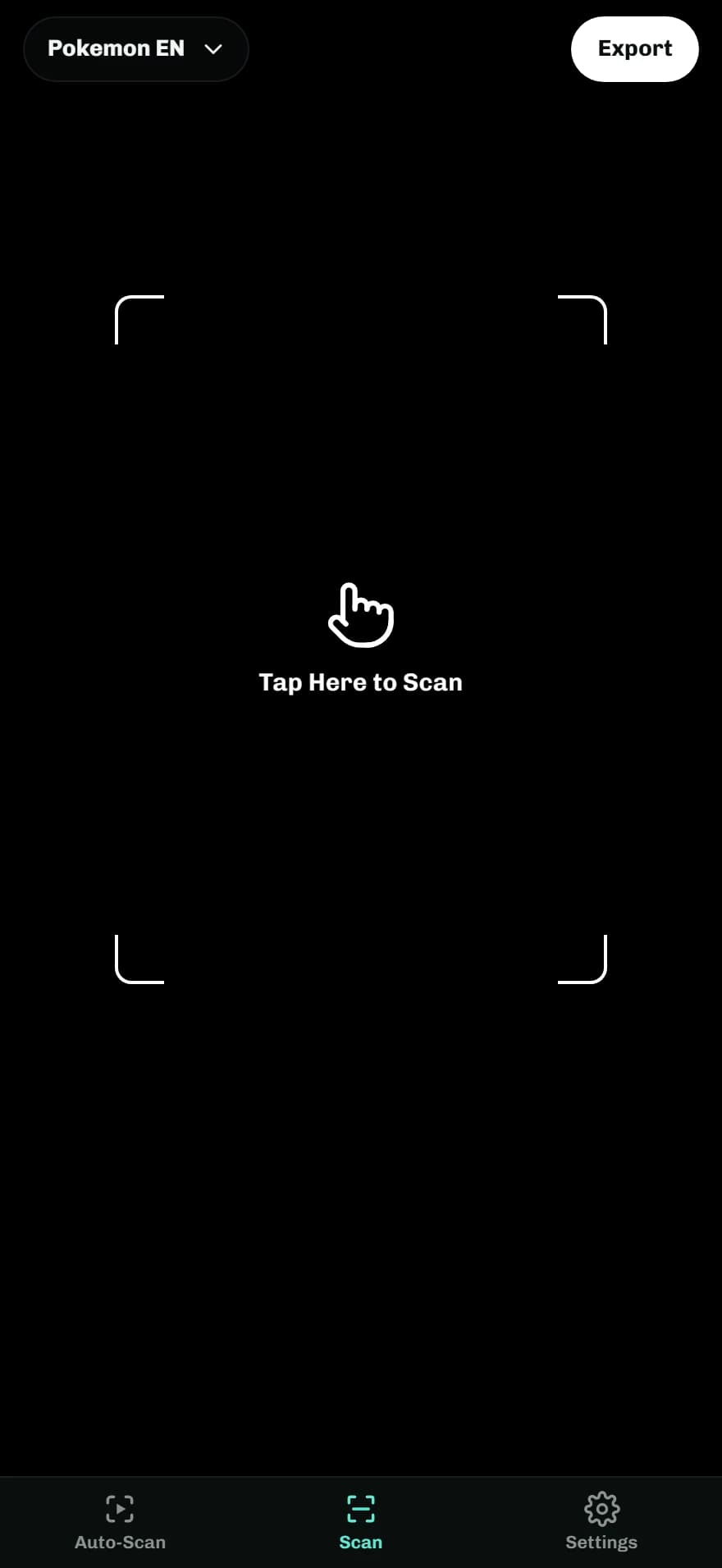
Tap Here to Scan
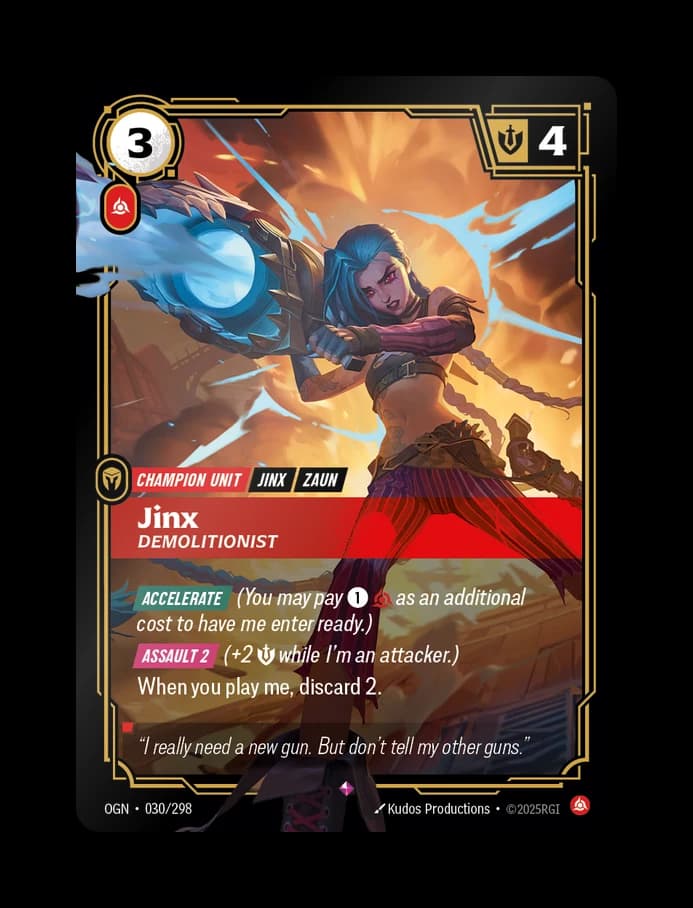
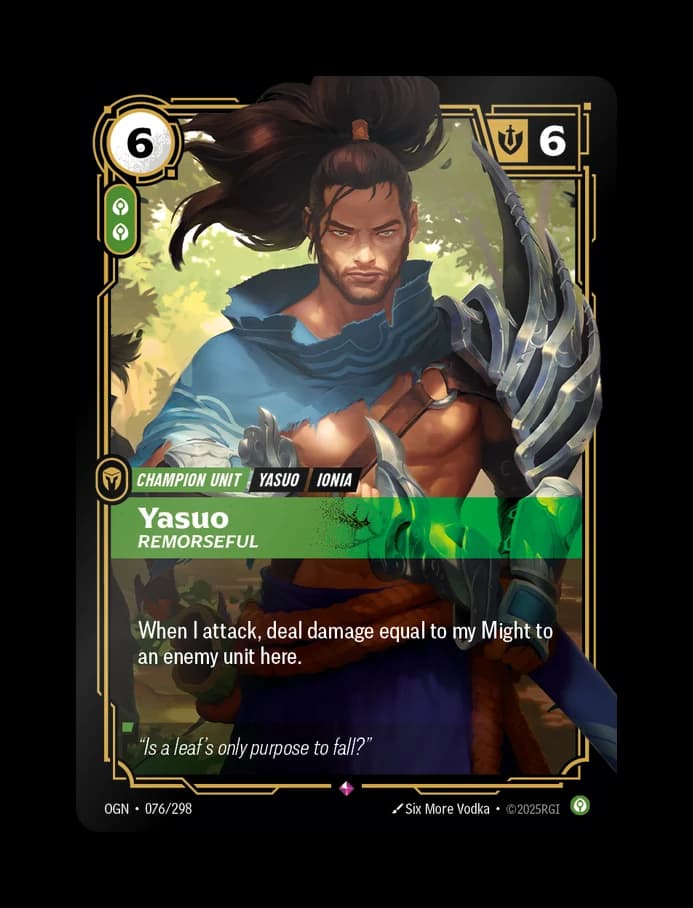
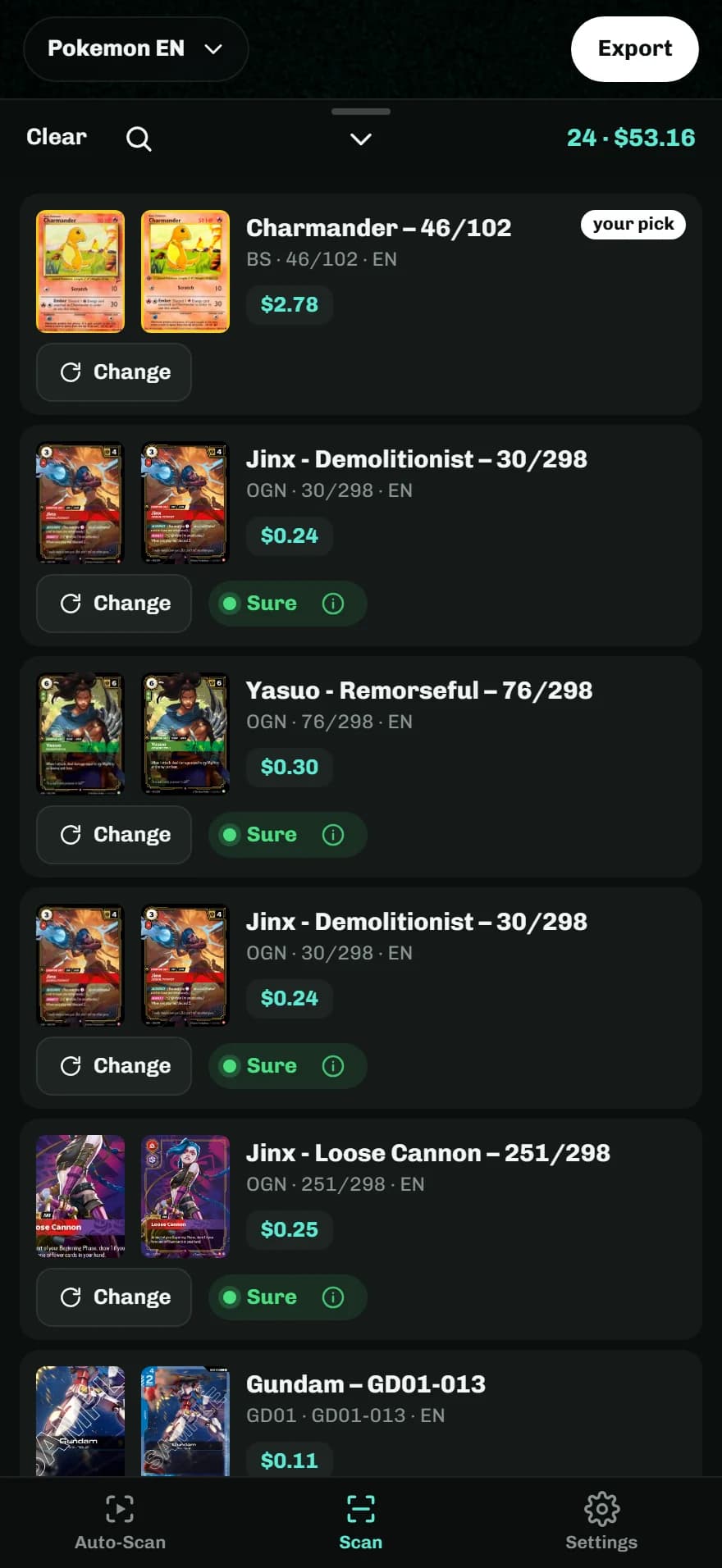
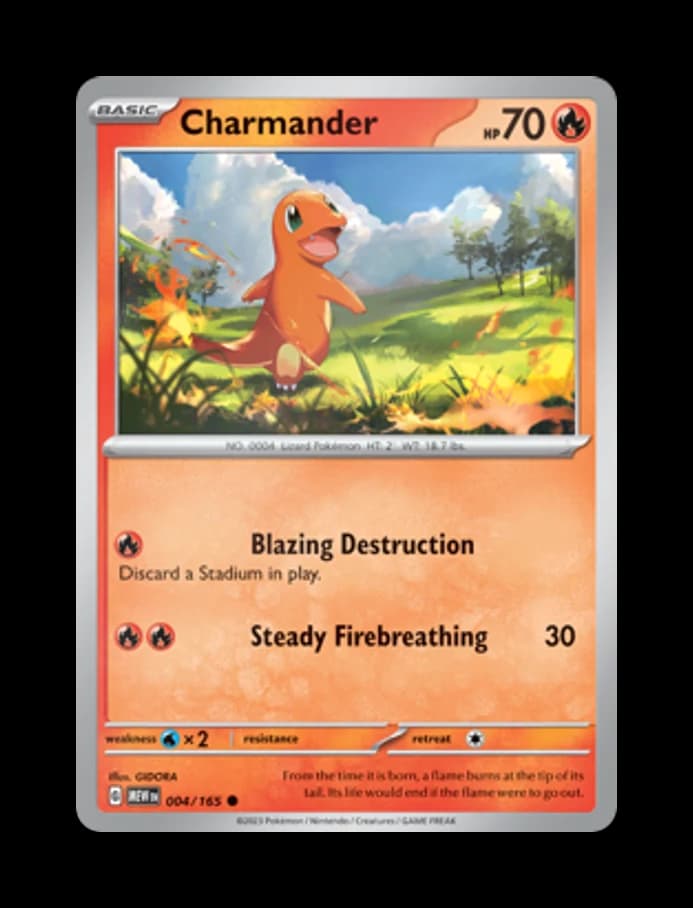
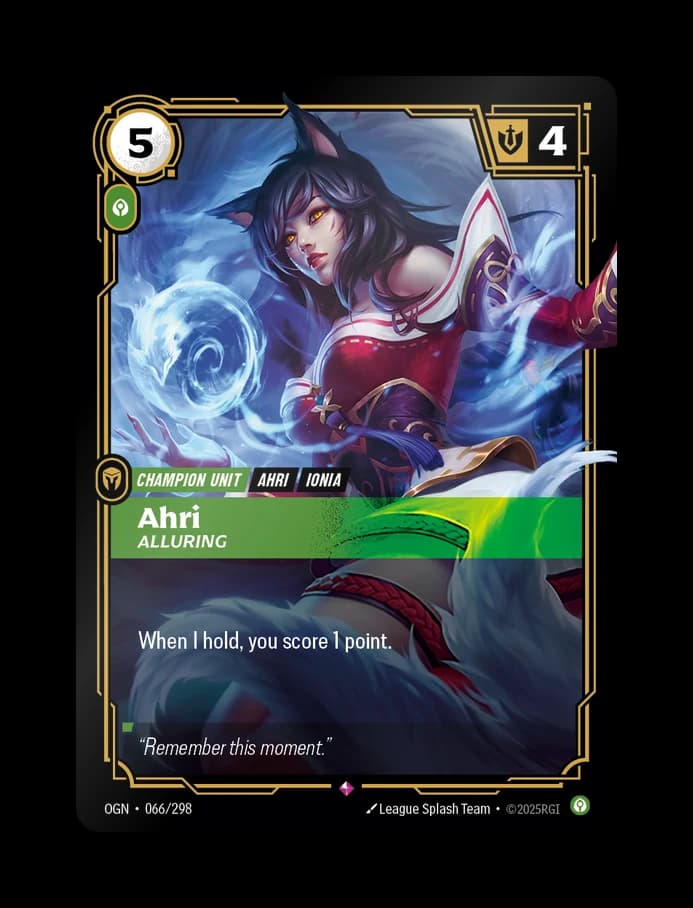
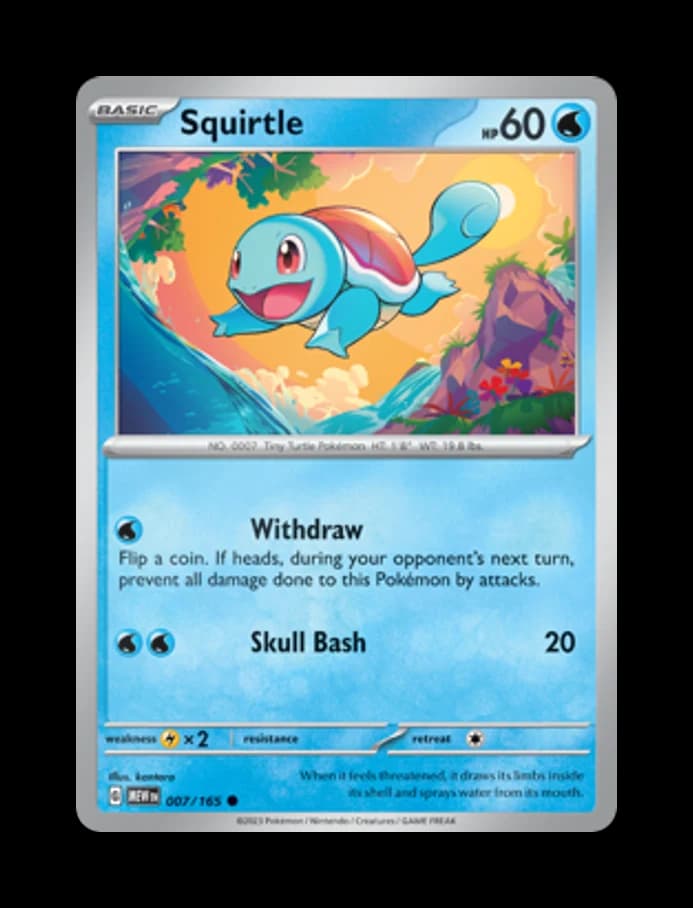
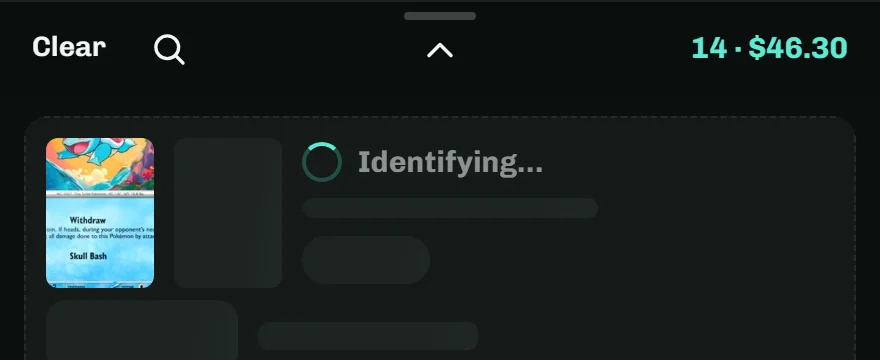
Hold a card in the brackets and tap anywhere on the screen. Keep going: scans run in the background while you line up the next card.
Coming soon to

Hold a card in the brackets and tap anywhere on the screen. Keep going: scans run in the background while you line up the next card.
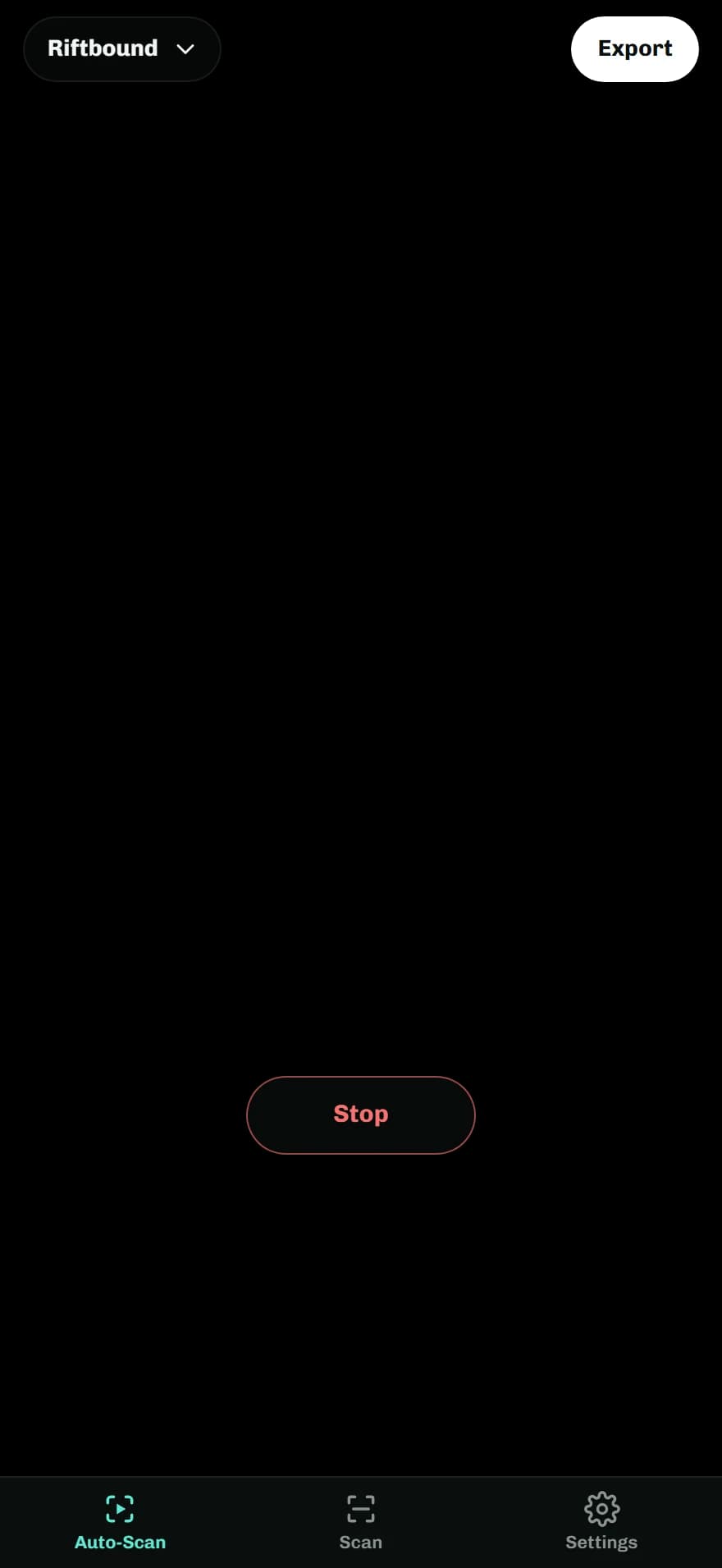
Switch to the Auto-Scan tab and deal cards under the camera, one at a time. Each card scans once it holds still. Scanning a playset? Every copy is added, and a repeat says Another copy added
with Undo.
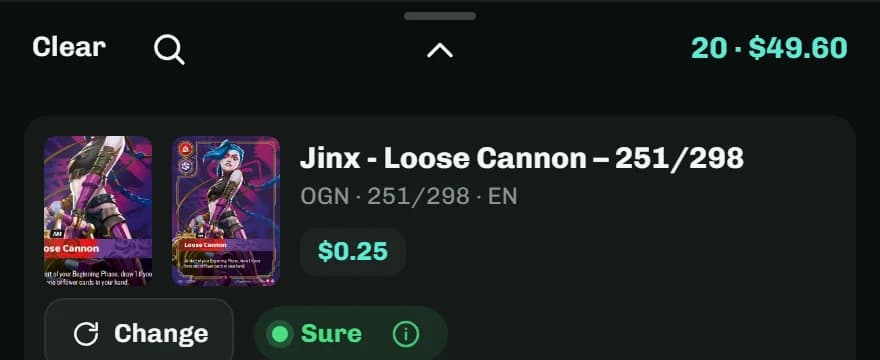
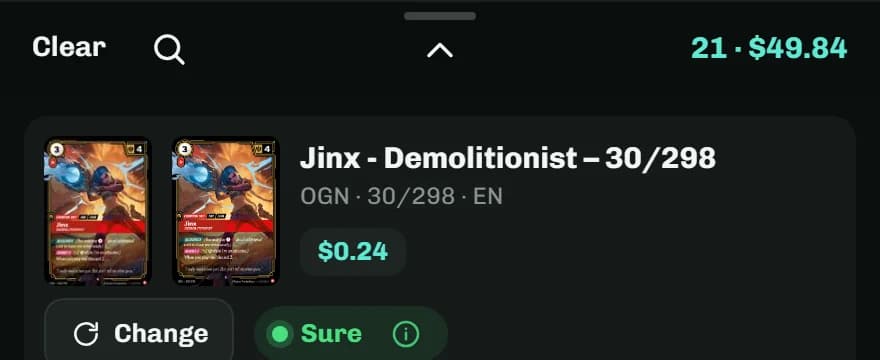
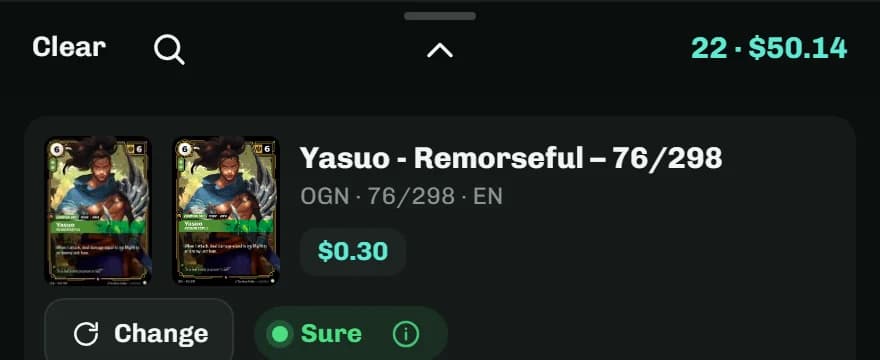
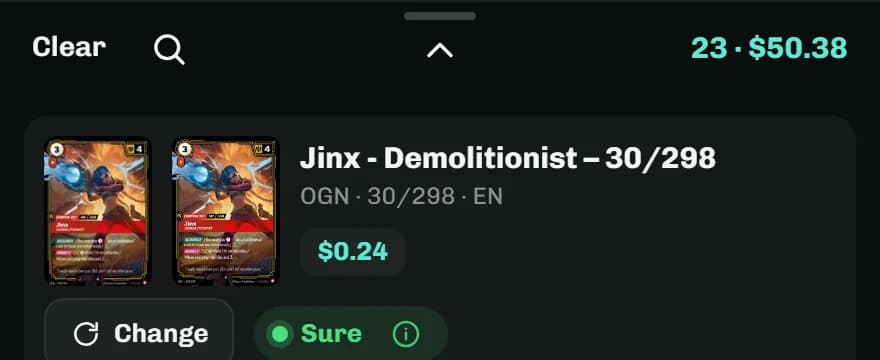
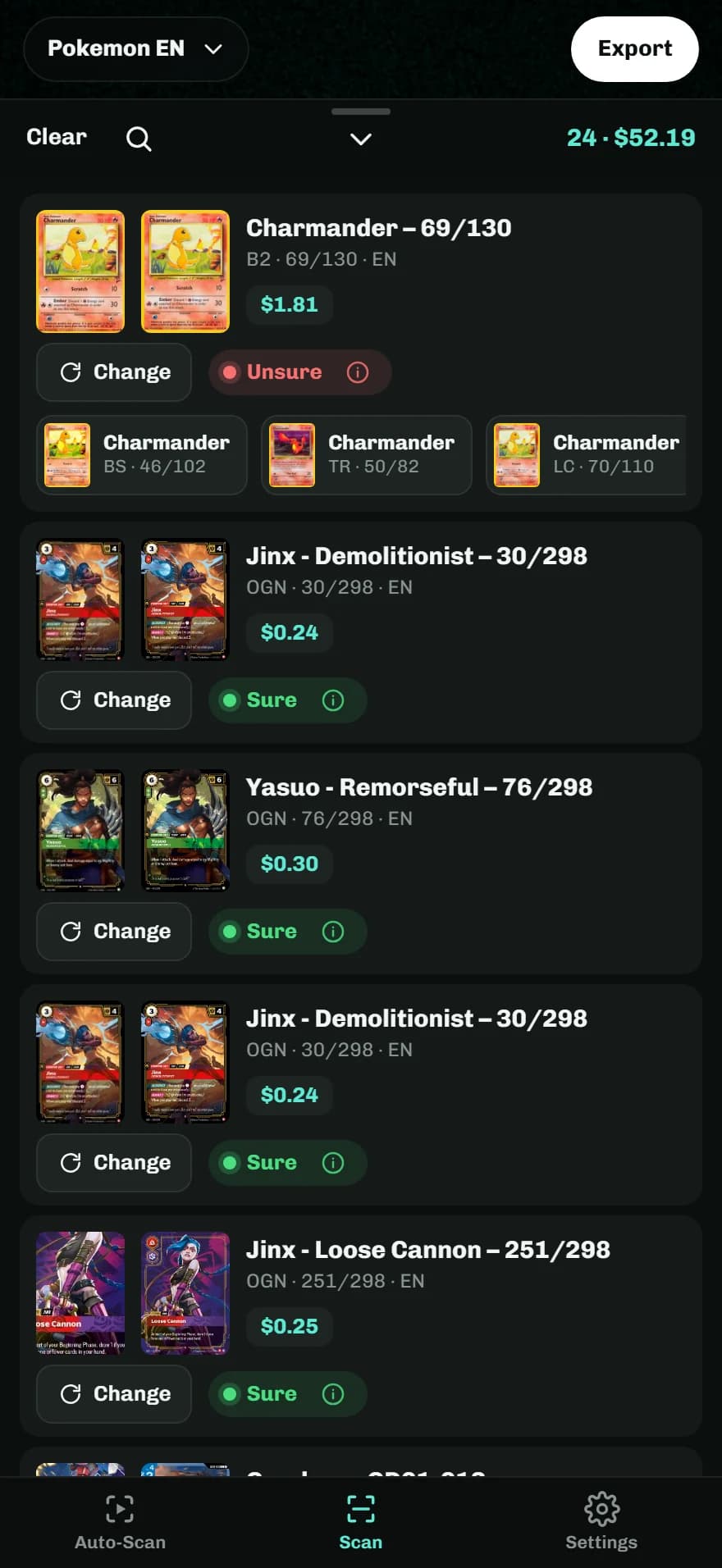
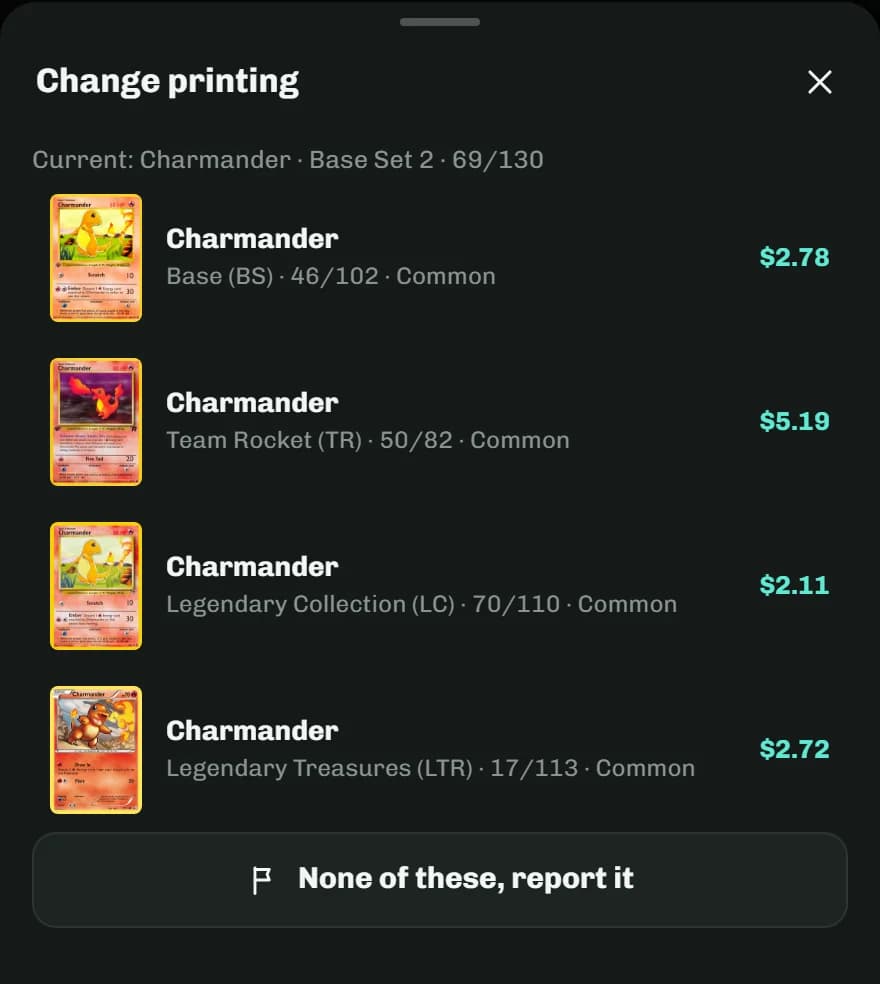
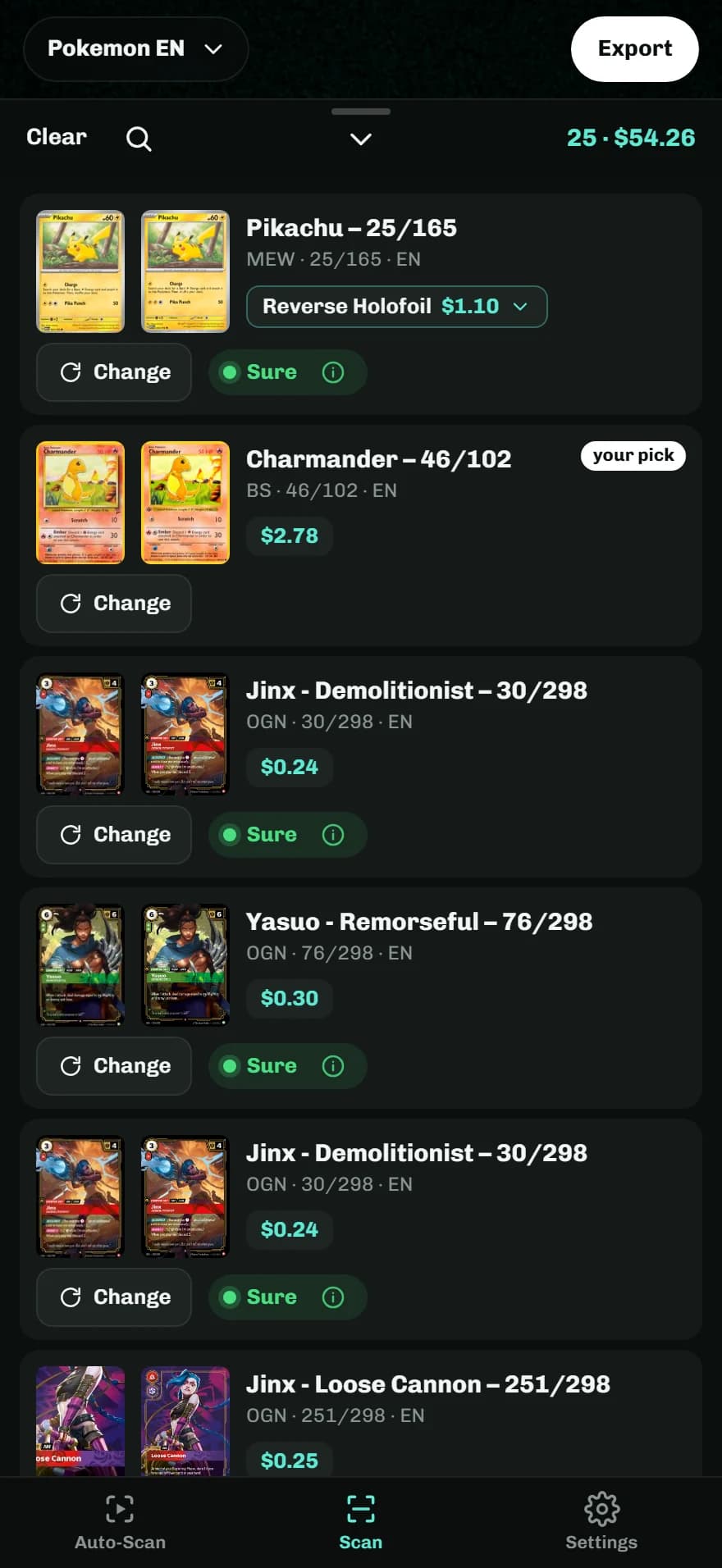
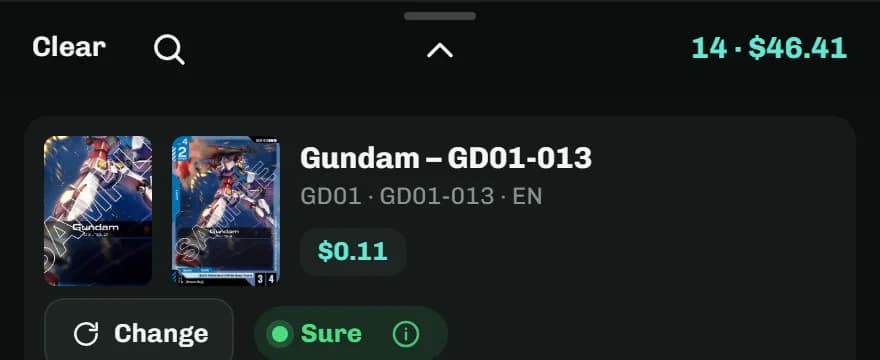
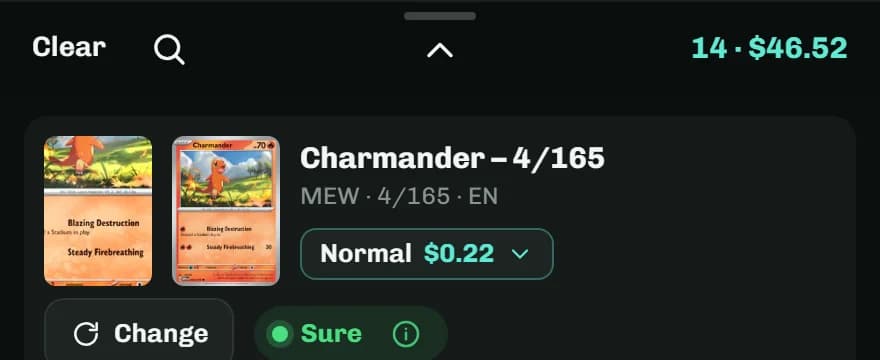
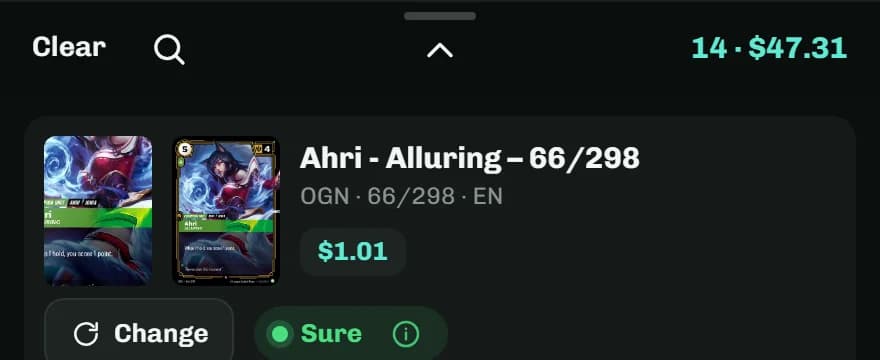
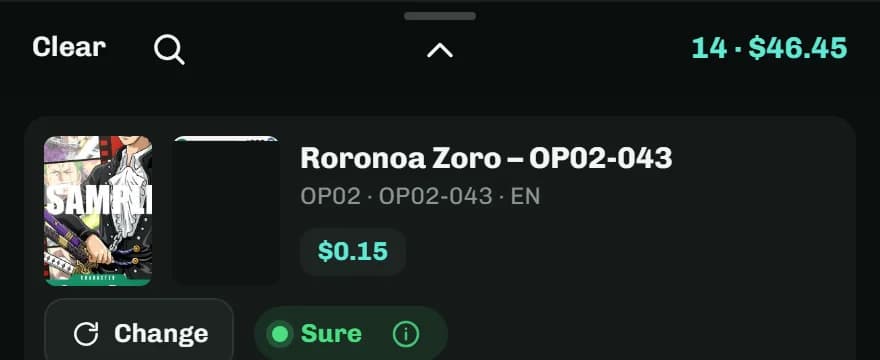
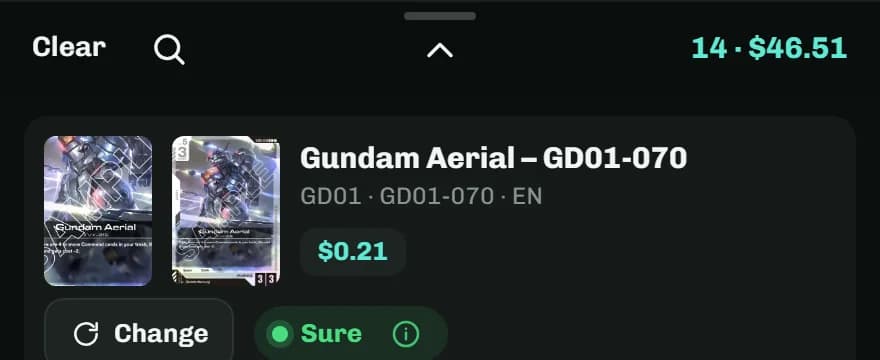
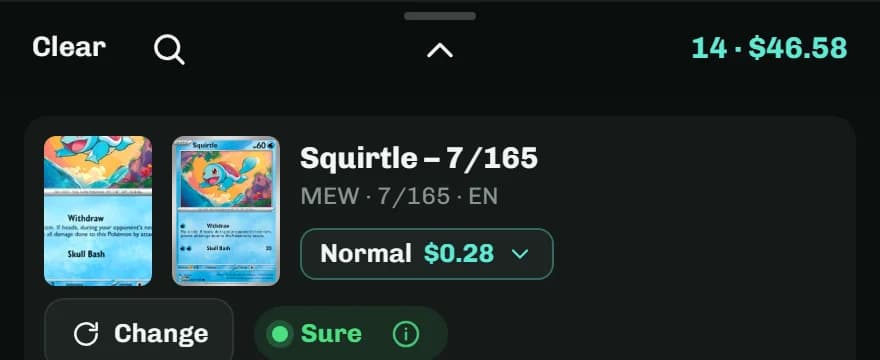
Every row says how sure the scanner is. Tap Change to pick the right printing from the likely matches, and report a wrong match so the scanner learns that card.
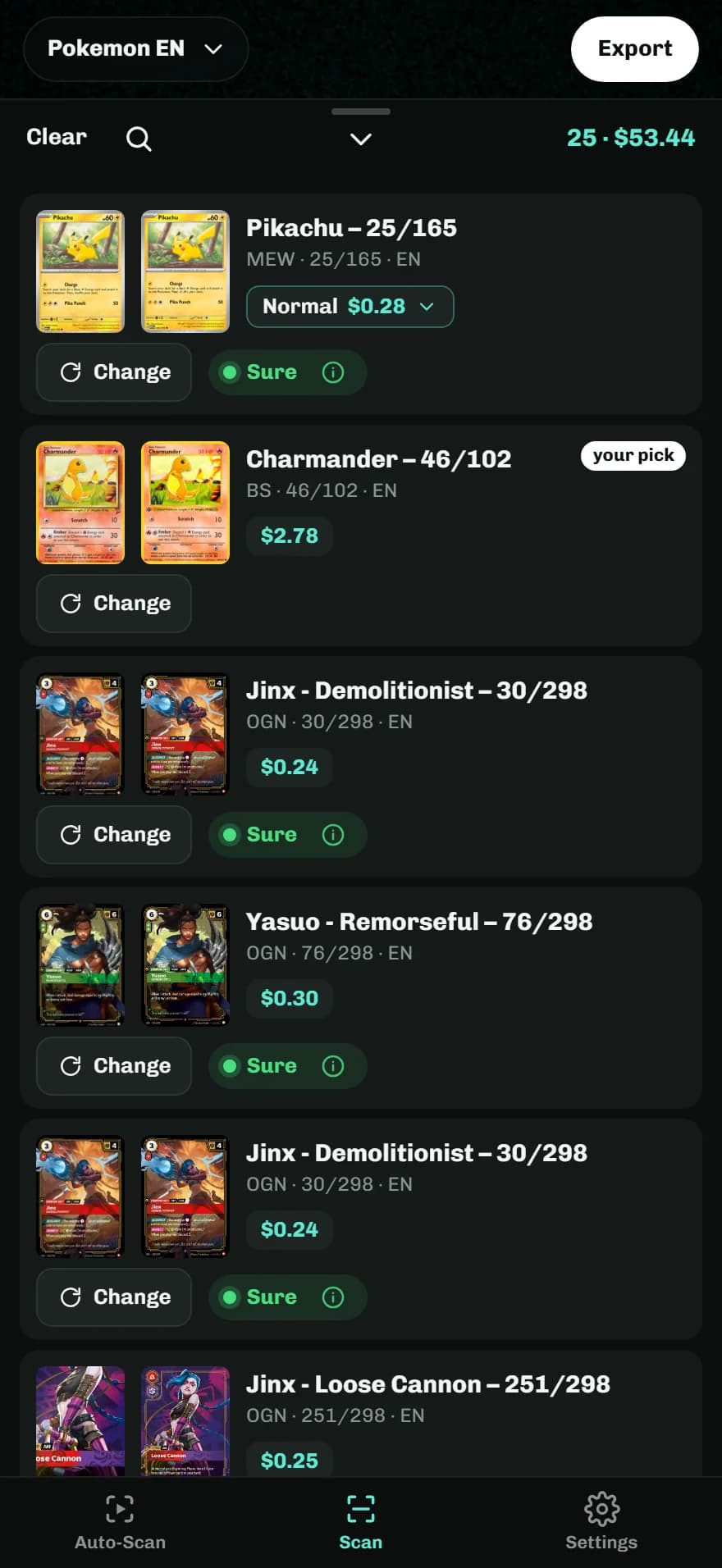
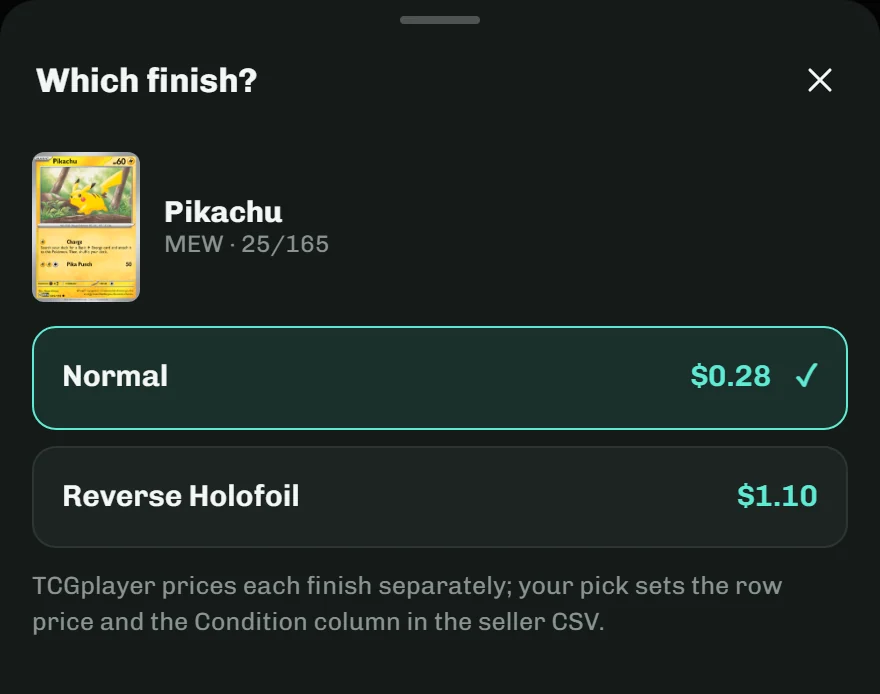
Normal, Reverse Holofoil, Holofoil: TCGplayer prices each finish on its own, and so does StackScan. Pick the finish and the row’s price follows.
Prices come from TCGplayer market data. Cards in your stack refresh every 15 minutes while you scan.
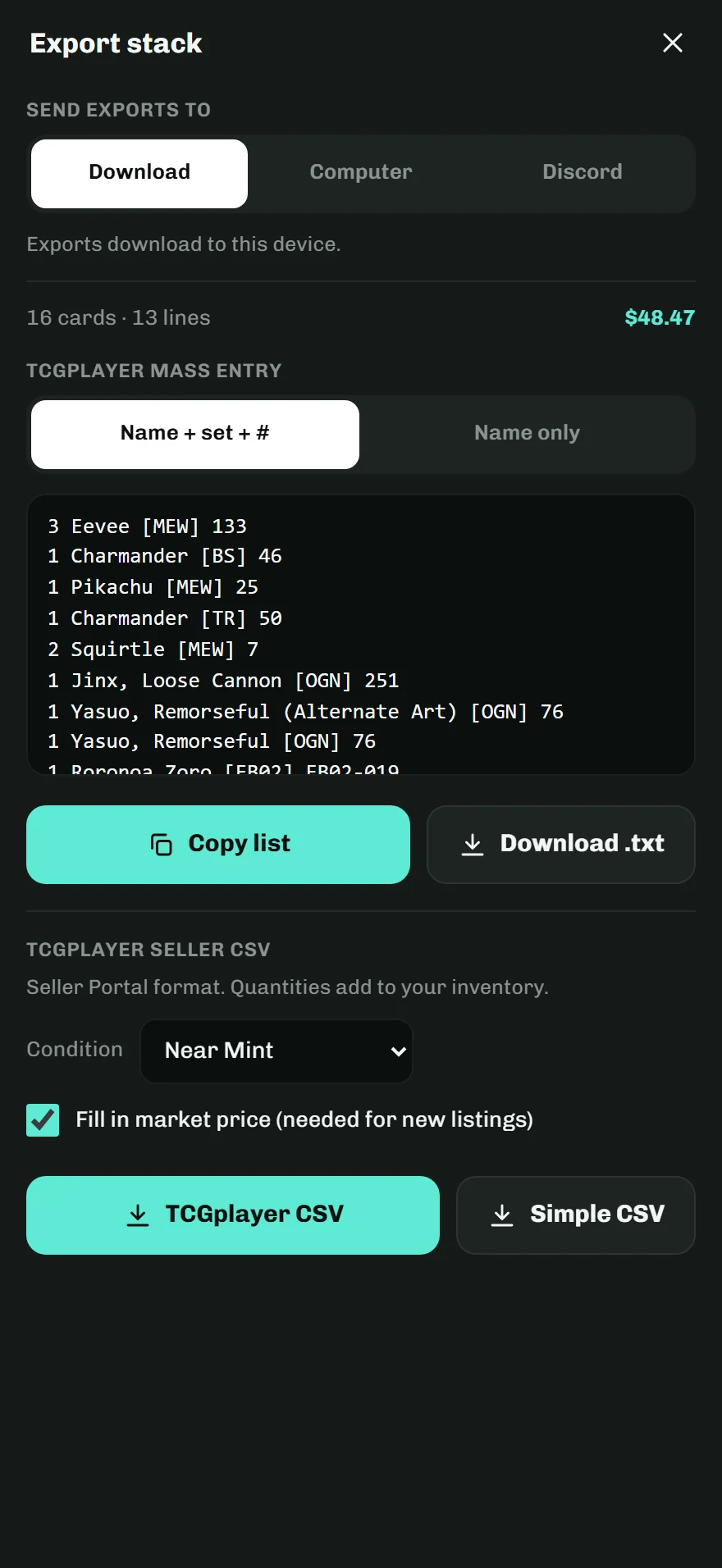
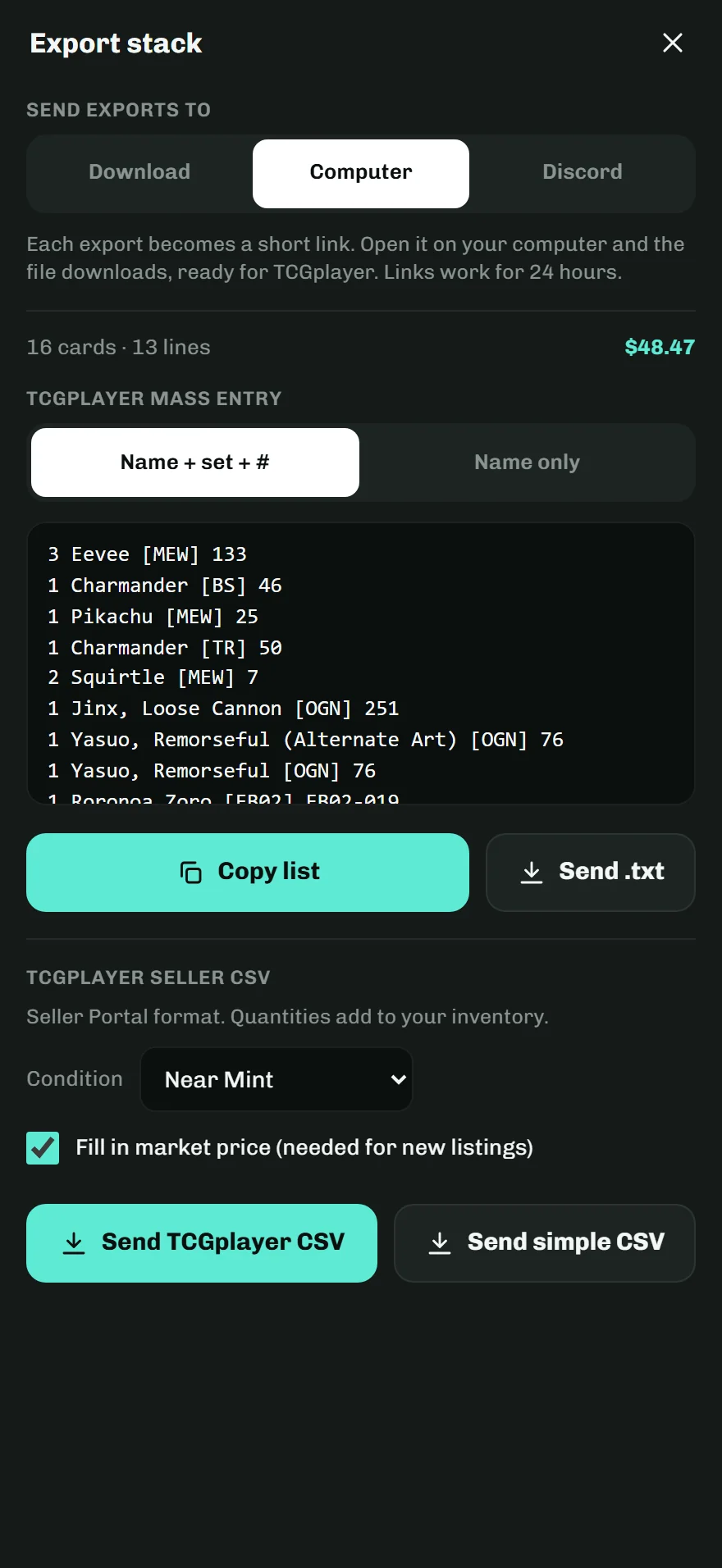
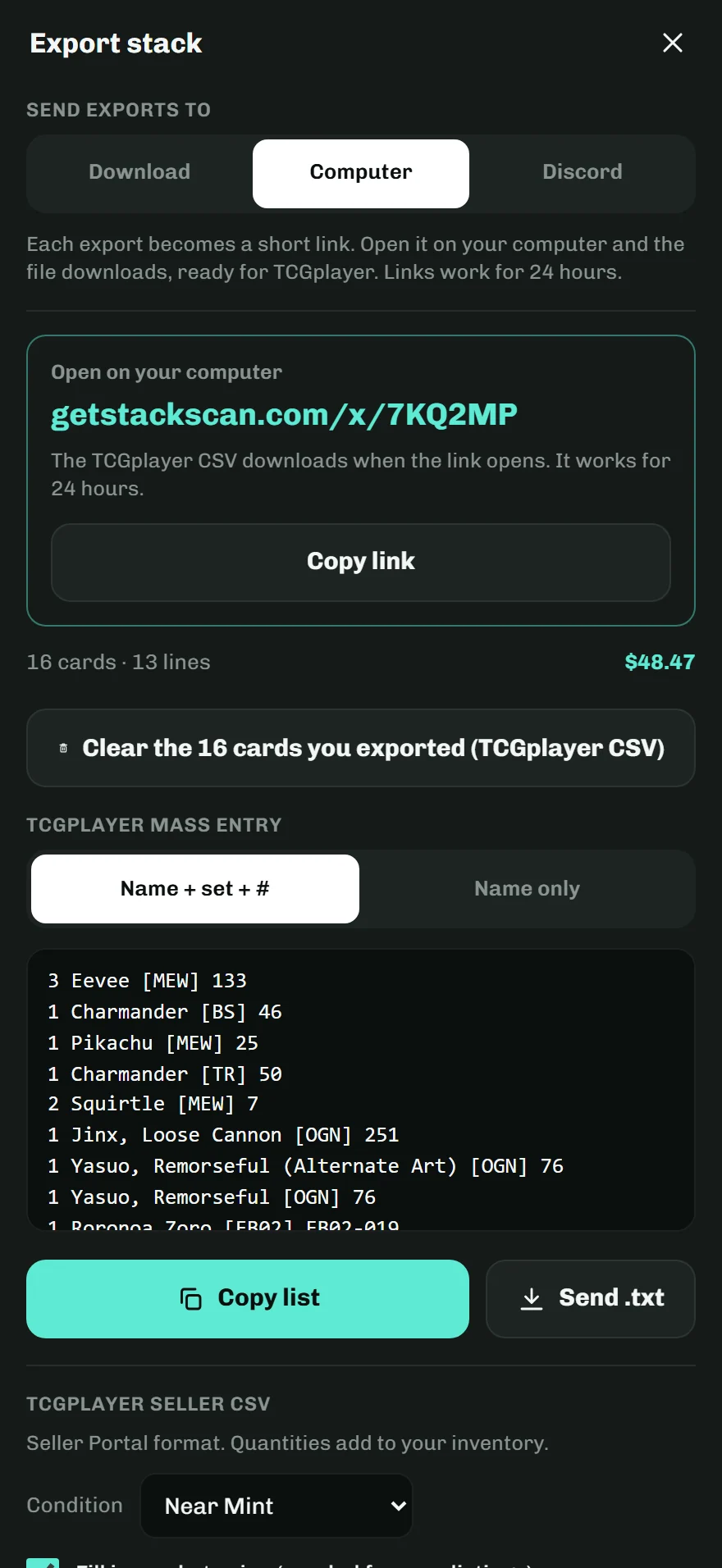
When the stack is done, export it the way you sell.
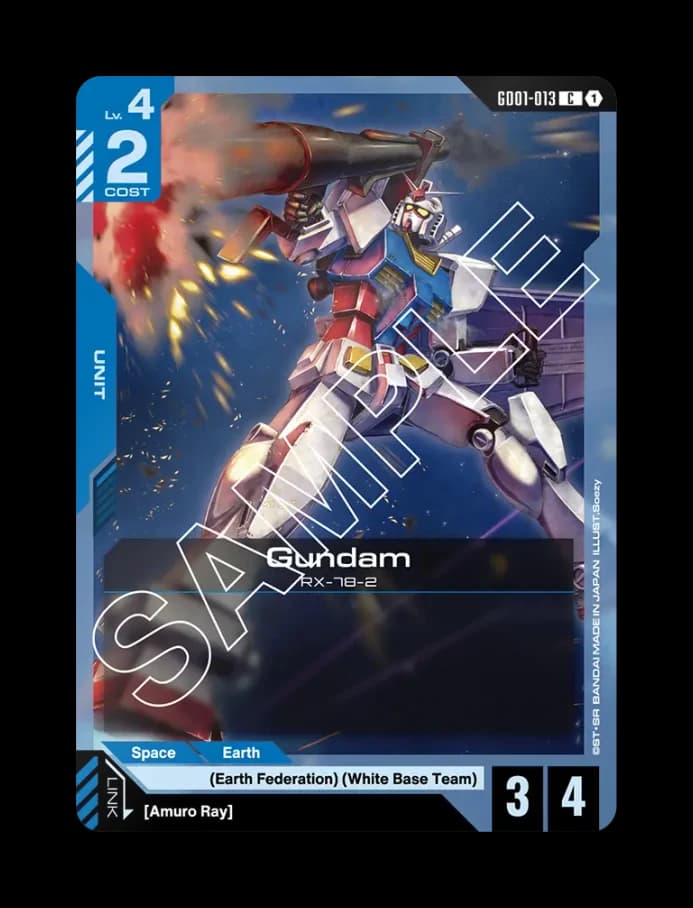
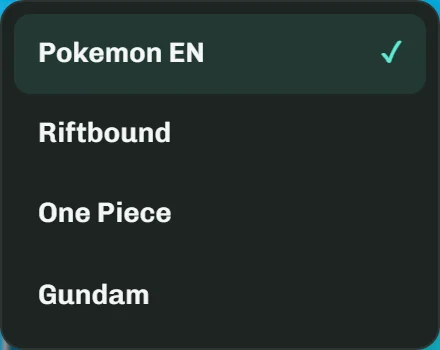
Switch games from the menu at the top of the camera.
Coming soon to
No account. Your stack stays on your phone.
Scan the stack. List it on TCGplayer.